
Description
Subway surfers offline play is one of the most requested features by mobile gamers who travel frequently or have limited data plans. Whether you are on a long flight, in a remote area, or simply trying to save battery life, knowing if your favorite subway game offline works is crucial. The short answer is a resounding yes—you can absolutely enjoy the core experience without any active connection.
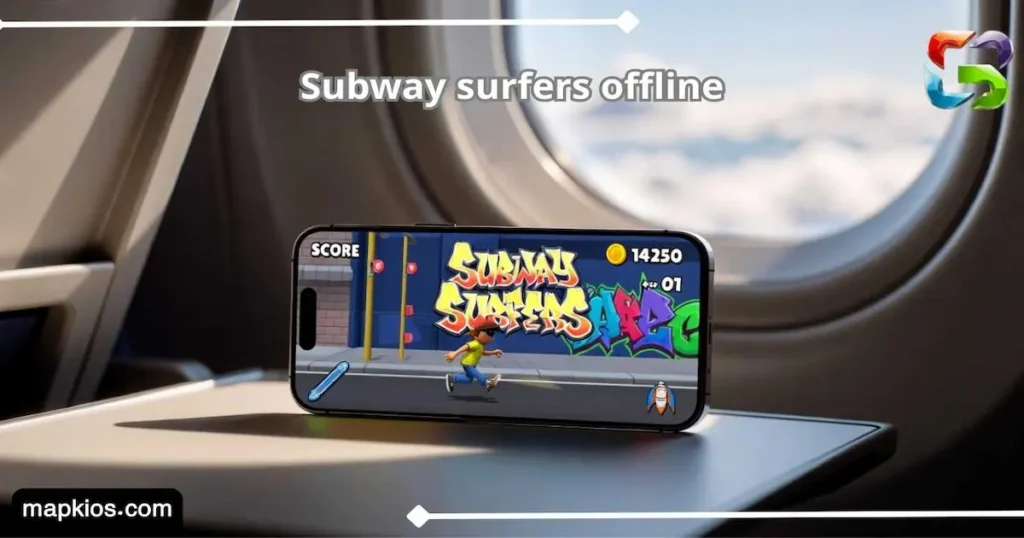
This guide will explain exactly how subway surfers android handles connectivity, which features remain accessible when you play subway surfers without internet, and how to ensure your progress is never lost while gaming on the go.
Table of Contents
Does Subway Surfers Work Offline?
The developers of subway surfers android designed the game to be highly accessible, meaning the core “Endless Run” mechanic does not require a constant handshake with a server. When you launch the subway game offline, the app uses the locally stored assets on your phone to render the world, characters, and obstacles. This makes it one of the most reliable titles for commuters and travelers worldwide.
However, while the running and jumping work perfectly, the game is not “entirely” independent of the web. To play subway surfers without internet effectively, you must have launched the game at least once while online to allow it to download the current “World Tour” map and assets. Once those files are on your device, you can toggle Airplane Mode and continue your high-score hunt without interruption.
It is also important to note that subway surfers offline mode is excellent for performance. Without the game trying to ping servers for ads or leaderboards in the background, many players find the gameplay even smoother, with fewer micro-stutters, especially on older Android devices.
What Features Need Internet?
While you can play subway surfers without internet, certain live-service elements will be temporarily disabled. These features require a connection to verify time-sensitive data or interact with other players globally.
| Feature Type | Offline Status | Reasoning |
|---|---|---|
| Standard Endless Run | ✅ Fully Functional | Runs on local device storage. |
| Daily Challenges & Hunts | ❌ Disabled | Requires server-side time verification. |
| Global Leaderboards | ❌ Read-Only / Hidden | Cannot sync scores with other players. |
| In-App Store Updates | ❌ Disabled | Requires connection to process transactions. |
| Reward Ads (Double Coins) | ❌ Not Available | Ads cannot be cached without internet. |
Best Offline Tips for Subway Surfers
To get the most out of your subway game offline experience, a little bit of preparation goes a long way. If you know you are heading into a “dead zone,” follow these tips to ensure your subway surfers android session is optimized for maximum fun.
- Sync Before You Go: Open the app while connected to Wi-Fi to collect your daily rewards and sync your cloud save before switching to subway surfers offline mode.
- Stock Up on Boosts: Since you cannot watch ads for free “Keys” or “Hoverboards” while you play subway surfers without internet, make sure to buy a large supply of them using coins before leaving.
- Check the World Tour: Ensure your “World Tour” map is fully updated; otherwise, the game might revert to a basic “Subway” map if it cannot find the new city assets.
How to Sync Progress After Playing Offline
One common fear when using subway surfers offline is losing a new high score. Fortunately, the game is smart enough to handle this as soon as you reconnect.
- Keep the App Open: After achieving a great score offline, do not clear the app from your RAM immediately.
- Reconnect to Wi-Fi/Data: Once you have a signal, simply stay on the main menu for a few seconds.
- Automatic Sync: The subway surfers android app will automatically upload your local score to the global servers and update your rank.
Conclusion ⚡ Whether you call it a subway game offline or a portable classic, subway surfers android remains one of the best choices for entertainment without boundaries. By understanding which features stay active and how to sync your data, you can play subway surfers without internet with total confidence. Pack your hoverboards and get ready to run—no data required!
Download links
Step-by-Step Installation Guide:
- Click the Download button above.
- Save the file to your device's Downloads folder.
- Go to Settings > Security and enable "Unknown Sources".
- Open the downloaded APK file and tap Install.
- Wait for the installation to finish, then open the game and enjoy!
Images


| Updated | Des 30, 2025 |
| Size | 165 MB |
| Version | 3.24.0 |
| Requirements | Android 6.0+ |
| Downloads | 10,000,000+ |